728x90
https://www.npmjs.com/package/react-loading-skeleton
react-loading-skeleton
Make beautiful, animated loading skeletons that automatically adapt to your app.. Latest version: 3.3.1, last published: 7 months ago. Start using react-loading-skeleton in your project by running `npm i react-loading-skeleton`. There are 499 other project
www.npmjs.com
npm install react-loading-skeleton
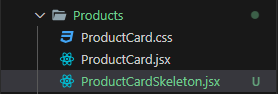
import Skeleton from "react-loading-skeleton";
import "react-loading-skeleton/dist/skeleton.css";
const ProductCardSkeleton = () => {
return <Skeleton className="product_card" width="275px" />;
};
export default ProductCardSkeleton;
ProductsList.jsx
error와 data 반복문 사이에 위치
				{error && <em className='form_error'>{error}</em>}
				<ProductCardSkeleton />
				{data.products &&
					data.products.map((product) => (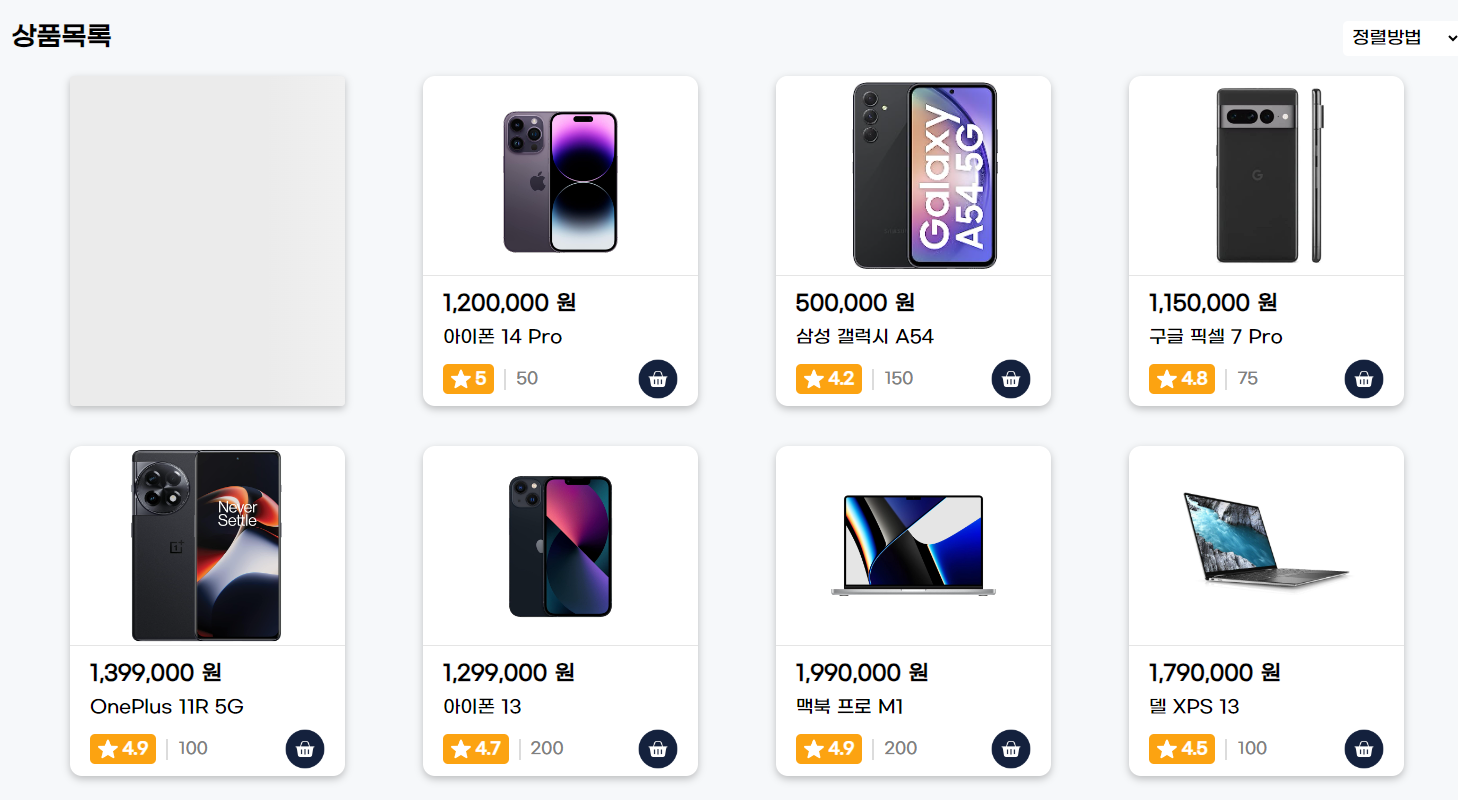
1~8까지의 숫자를 배열로 만들어서 스켈레톤을 반복한다.
import useData from "../../Hook/useData";
import ProductCard from "./ProductCard";
import ProductCardSkeleton from "./ProductCardSkeleton";
import "./ProductsList.css";
const ProductsList = () => {
//useDate(url)이 들어가야함
//결과(res)는 categories와, error에 담는다.
const { data, error } = useData("/products");
const skeletons = [1, 2, 3, 4, 5, 6, 7, 8];
return (
<section className="products_list_section">
<header className="align_center products_list_header">
<h2>상품목록</h2>
<select name="sort" id="" className="products_sorting">
<option value="">정렬방법</option>
<option value="price desc">가격높은순</option>
<option value="price asc">가격낮은순</option>
<option value="rate desc">평점높은순</option>
<option value="rate asc">평점낮은순</option>
</select>
</header>
<div className="products_list">
{/* 에러가 있을 경우 에러 표시 */}
{error && <em className="form_error">{error}</em>}
{skeletons.map((n) => (
<ProductCardSkeleton key={n} />
))}
{/* products가 있을 경우 반복문으로 출력 */}
{data.products &&
data.products.map((product) => (
<ProductCard
key={product._id}
id={product._id}
title={product.title}
image={product.images[0]}
price={product.price}
rating={product.reviews.rate}
ratingCounts={product.reviews.counts}
stock={product.stock}
/>
))}
</div>
</section>
);
};
export default ProductsList;
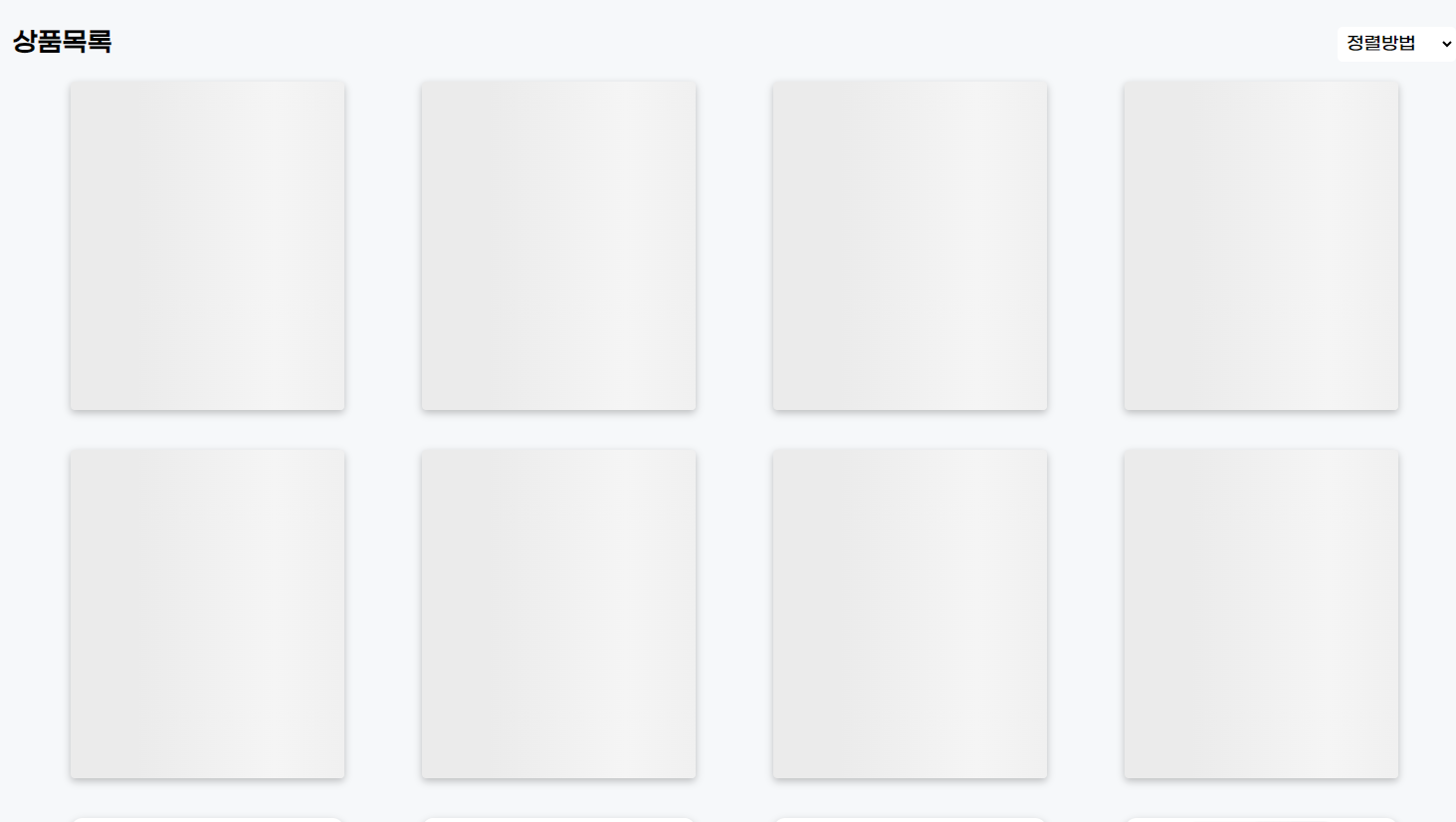
Hook -> useData.js에 로딩을 추가한다.
import { useEffect, useState } from "react";
import apiClient from "../utils/api-client";
const useData = (url) => {
const [data, setData] = useState([]);
const [error, setError] = useState("");
const [isLoading, setIsLoading] = useState(true);
useEffect(() => {
apiClient
.get(url)
.then((res) => {
setData(res.data);
setIsLoading(false);
})
.catch((err) => {
setError(err.message);
setIsLoading(false);
});
}, []);
return { data, error, isLoading };
};
export default useData;
그리고 ProductsList.jsx에서 로딩 가져온다
const { data, error, isLoading } = useData("/products");
{isLoading && skeletons.map((n) => <ProductCardSkeleton key={n} />)}
로딩 일 경우에 스켈레톤을 보여준다.
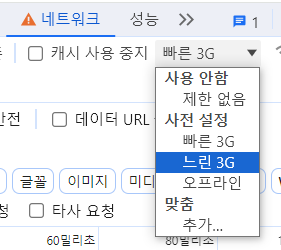
워낙 빨라서 잘안보임
'FRONTEND > React' 카테고리의 다른 글
| [myCart] 페이지네이션 (0) | 2023.12.20 |
|---|---|
| [myCart] 카테고리 별 상품 출력 (0) | 2023.12.20 |
| [myCart] 커스텀 Hook 생성 후 적용 (0) | 2023.12.20 |
| [myCart] 리액트 라우터 적용 / axios설치 후 백엔드 데이터 가져오기 (0) | 2023.12.20 |
| [myCart] 몽고DB /백엔드 실행 (0) | 2023.12.20 |